Someone says “3 PM Eastern”. What’s that for you?
Type it. MeetETA shows your time — and your team’s.
Try it now
What MeetETA does
- World clocksEvery city you work with, at a glance, with work hours marked.
- Convert a timeType “3 PM Eastern” or drag the slider. Daylight saving is handled.
- Find a meeting timePick cities and get the best time inside everyone’s 9–5, including yours.
Colours used in the app:
- Work hours
- Early or late
- Night
Booking pages — coming soon
See it in action
Real screenshots of MeetETA today.
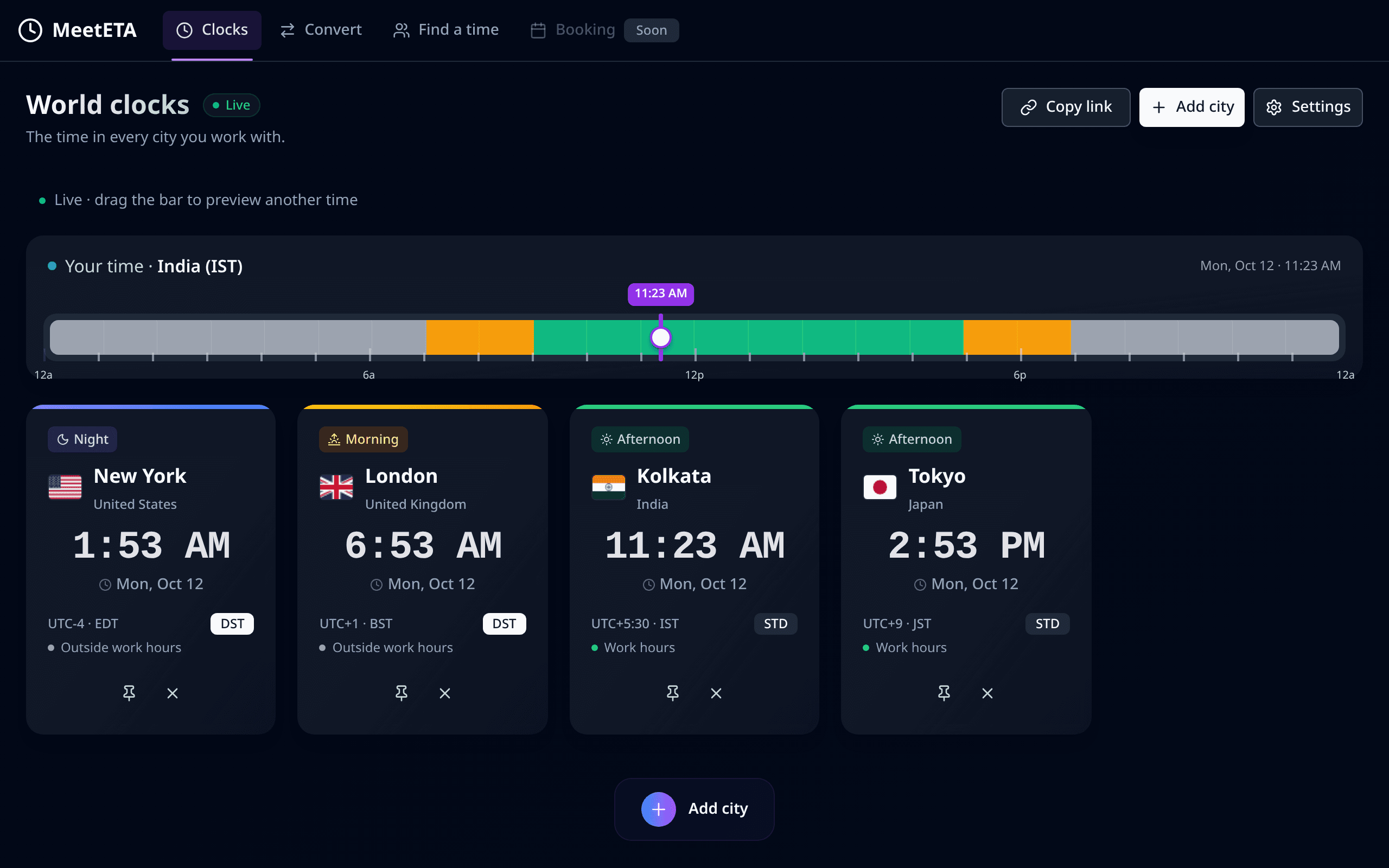
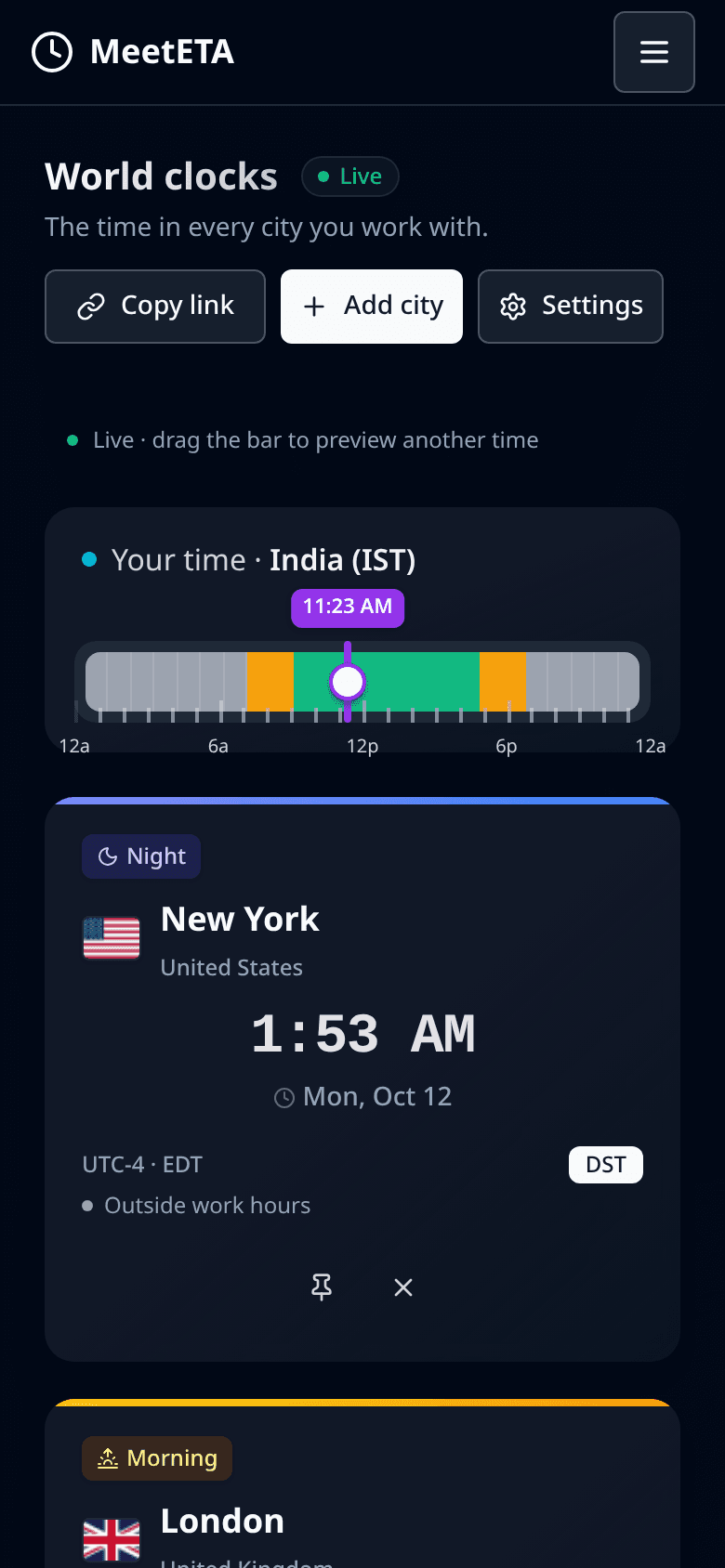
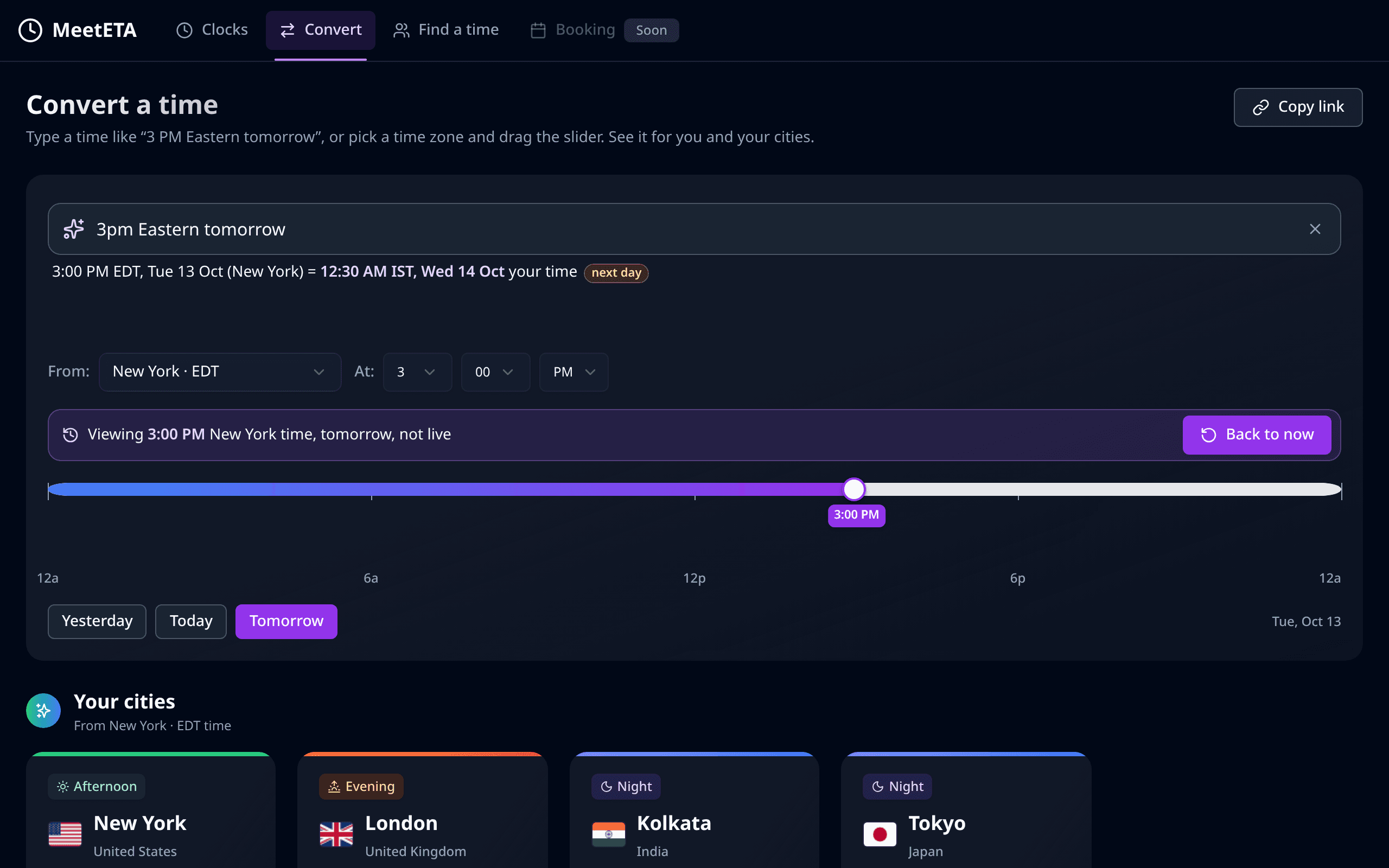
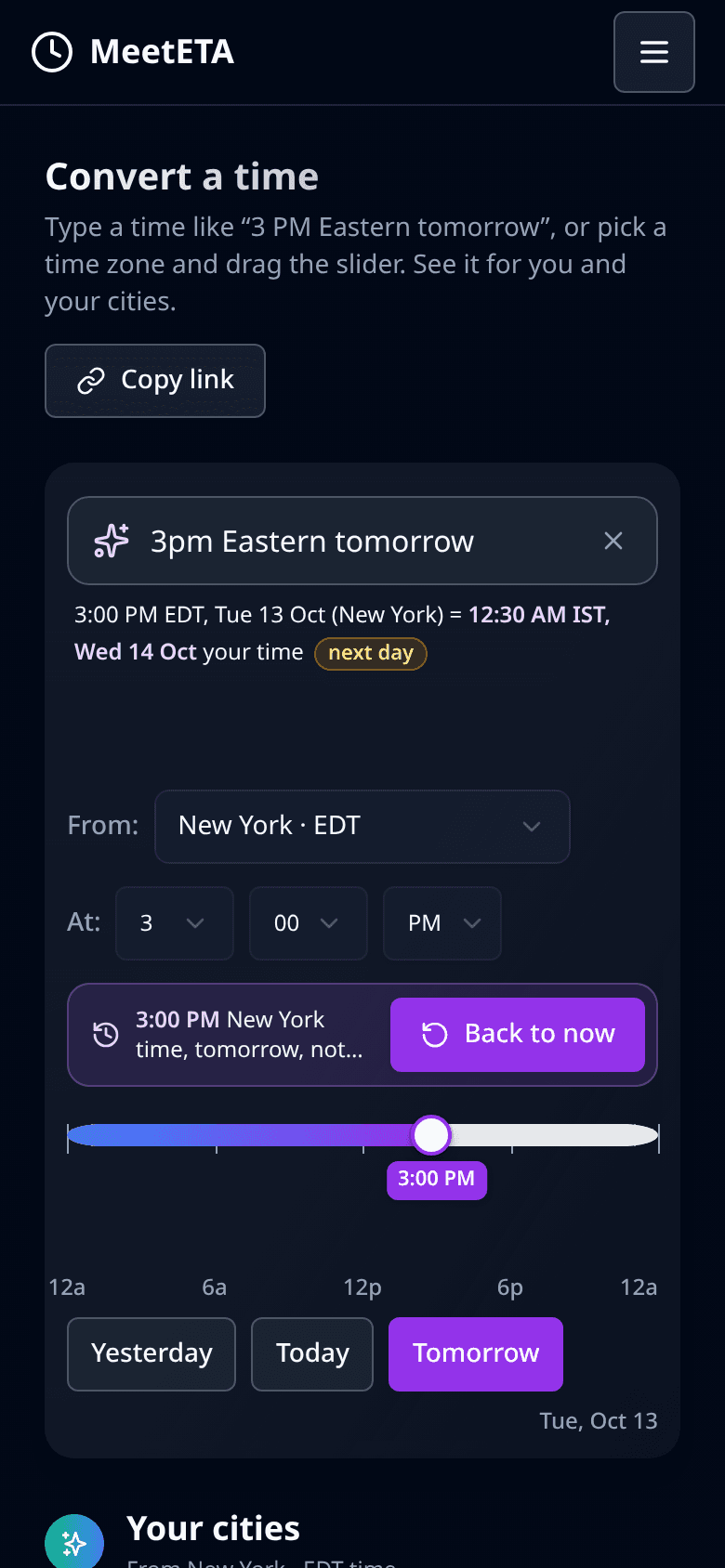
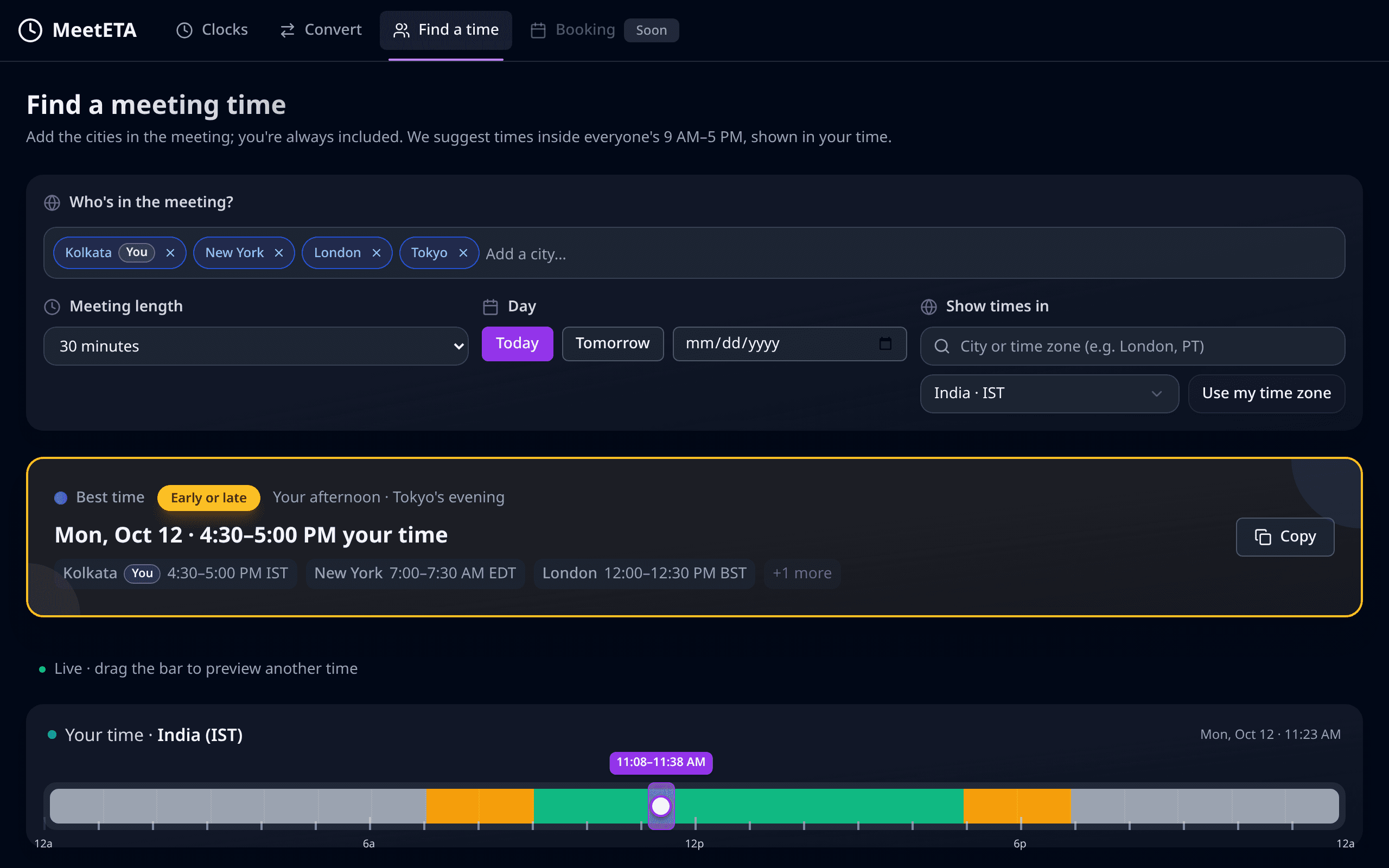
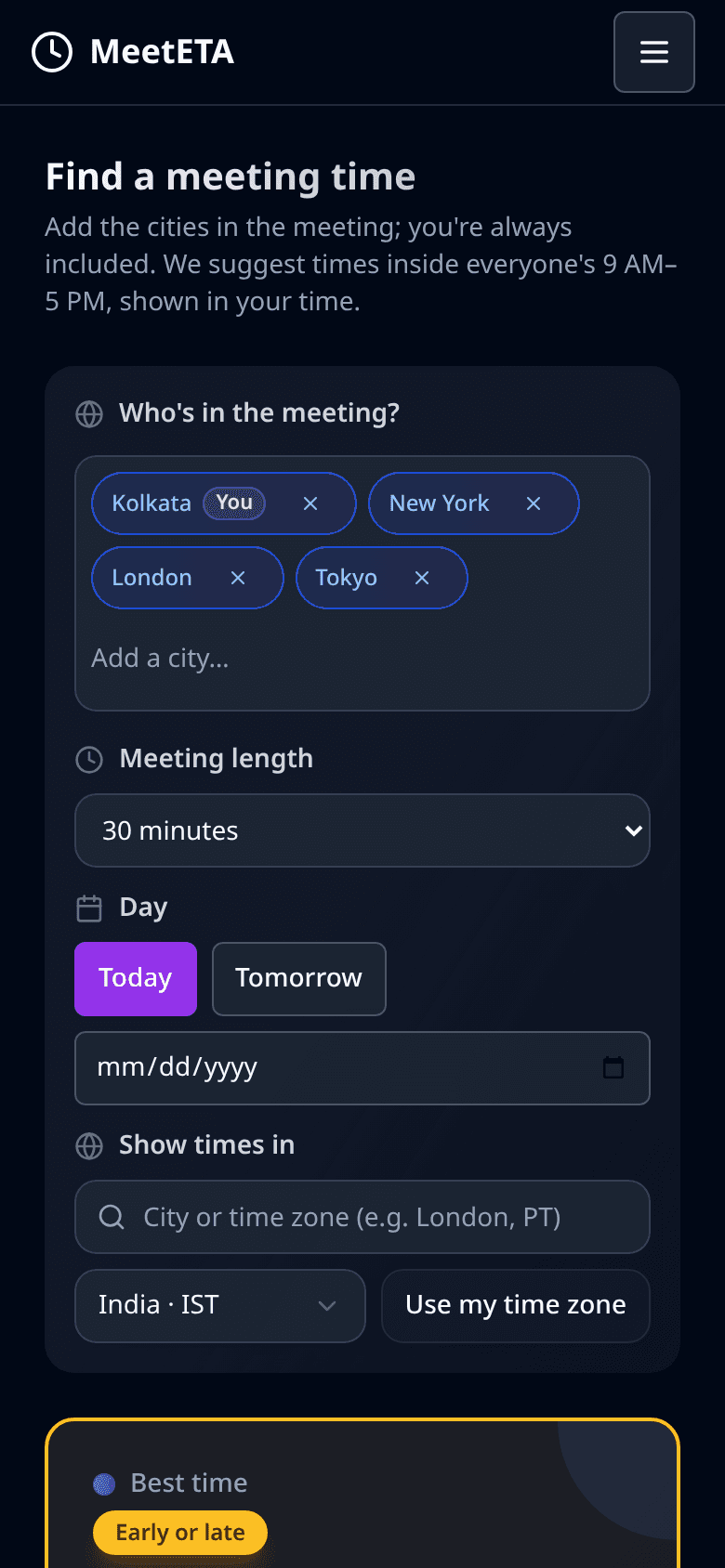
Coming soon: get early access to Pro
MeetETA is free today. Leave your email and we’ll invite you to Pro first.
What’s coming in Pro
- Your own booking page: share one link, people pick a time in their zone
- Google Calendar integration: only your free times show, meetings land on your calendar
- Your cities saved across devices: the same clocks on your phone and laptop

“I built MeetETA because clients kept saying ‘3 PM Eastern’ and I kept doing the maths from India.”
Questions
Is it free?
Yes. MeetETA is free to use today. A Pro plan with extras like booking pages is coming; people on the early-access list hear first.
How do you handle daylight saving?
MeetETA uses real time-zone data for the exact date, so clocks change on the right day in each country. If someone says “EST” in summer, it points out that they probably mean EDT.
Do I need an account?
No. Your cities and settings are saved in this browser.
What do you do with my email?
We only use it to send launch and early-access updates. You can unsubscribe any time. See our privacy page.
Is there a phone app?
Not yet. MeetETA works in your phone’s browser.